
Start with transparency
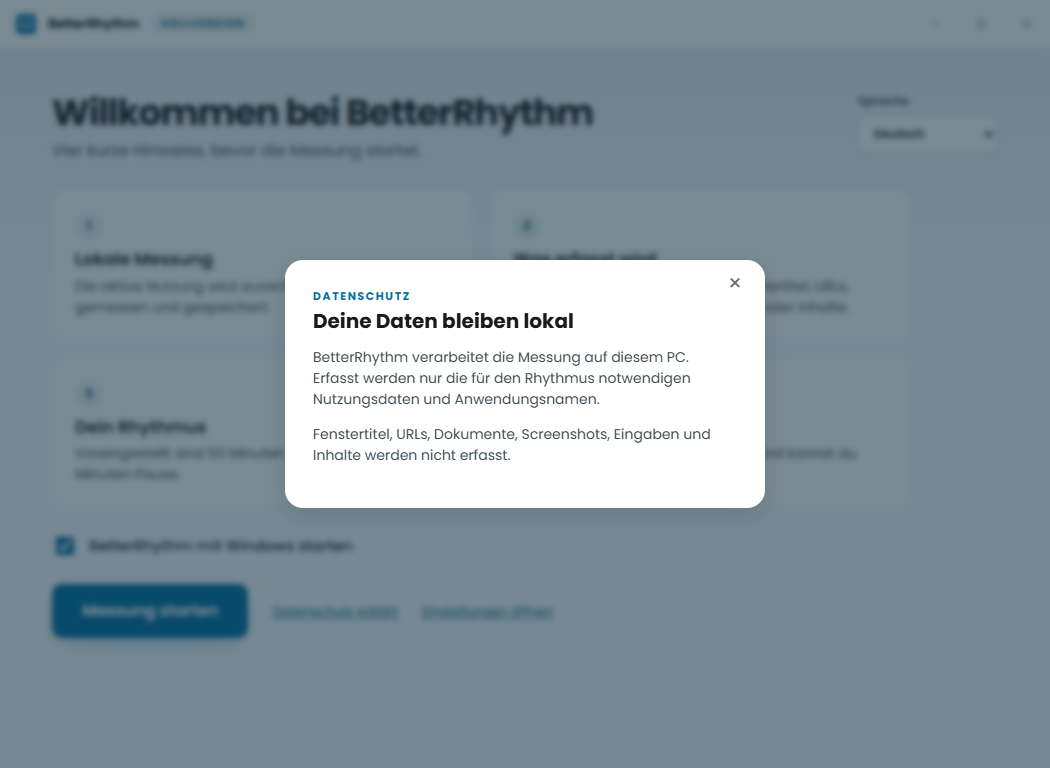
Before measurement starts, you see what is recorded and what is explicitly not recorded.
CONSCIOUS BREAKS AT YOUR COMPUTER
BetterRhythm makes long, uninterrupted PC sessions easier to understand and supports you with quiet, voluntary reminders. Personal, clear and local to your computer.
Information page. The next step is an information handoff. A download or purchase destination is not currently enabled.
A SIMPLE FLOW
BetterRhythm runs quietly in the background. You decide when a break fits.
Before measurement starts, you see what is recorded and what is explicitly not recorded.
Active use, interruptions and breaks appear in a clear day view.
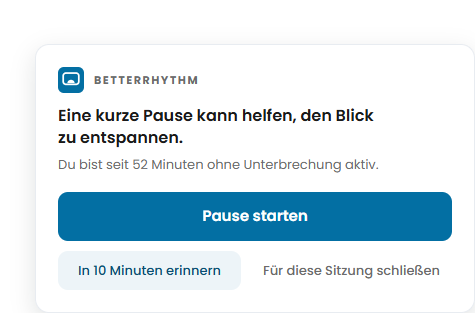
Start a break, snooze the reminder or close it for this session.
WHAT MATTERS IN THE MOMENT
Not all screen time can be avoided. BetterRhythm first helps you see how long you stay active without interruption.
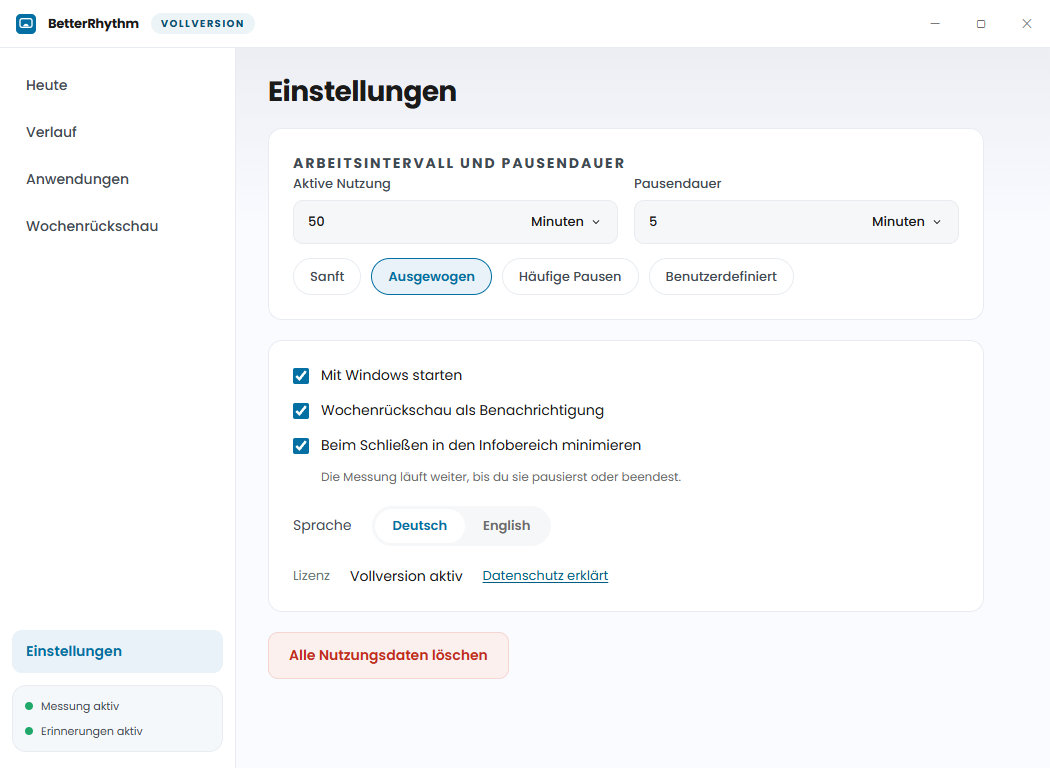
See the data boundariesThe intended default rhythm is 50 minutes of active use and a 5-minute break. The reminder stays compact, quiet and voluntary.
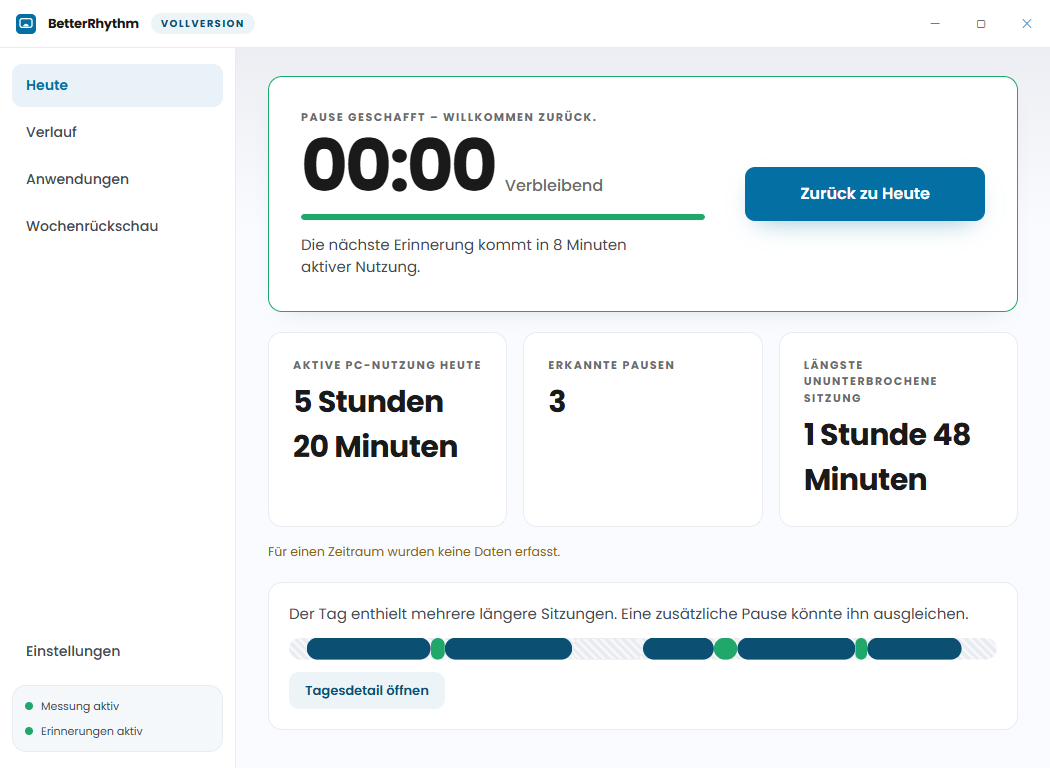
See your current session, detected breaks and local trends up to 90 days.
Applications are not labelled productive or unproductive. You get context, not judgement.
APP INSIGHTS
These views come straight from the Windows app: set your rhythm, read the privacy details, celebrate a break and stay in control of reminders.
CLEAR DATA BOUNDARIES
BetterRhythm measures local PC use for your current Windows user profile. It is designed for personal use – not surveillance.
FREQUENT QUESTIONS
The important answers about how BetterRhythm works – without promises the product cannot support.
BetterRhythm locally records active PC use, sessions, breaks and the duration of the active foreground application. It does not record URLs, window titles, documents, screenshots, input or content.
No. Reminders are voluntary, quiet and non-blocking. You decide whether to start a break, be reminded later or close the reminder.
Usage data stays in the current Windows user profile. Cloud sync, a user account and cross-device history are outside the MVP.
Yes. The product includes a function to permanently delete usage data. Settings and licence remain.
The product defines a local history view for up to 90 days. The exact presentation remains part of technical validation.
No. URLs, window titles, documents, screenshots, input, clipboard and content are outside the recording boundary.